

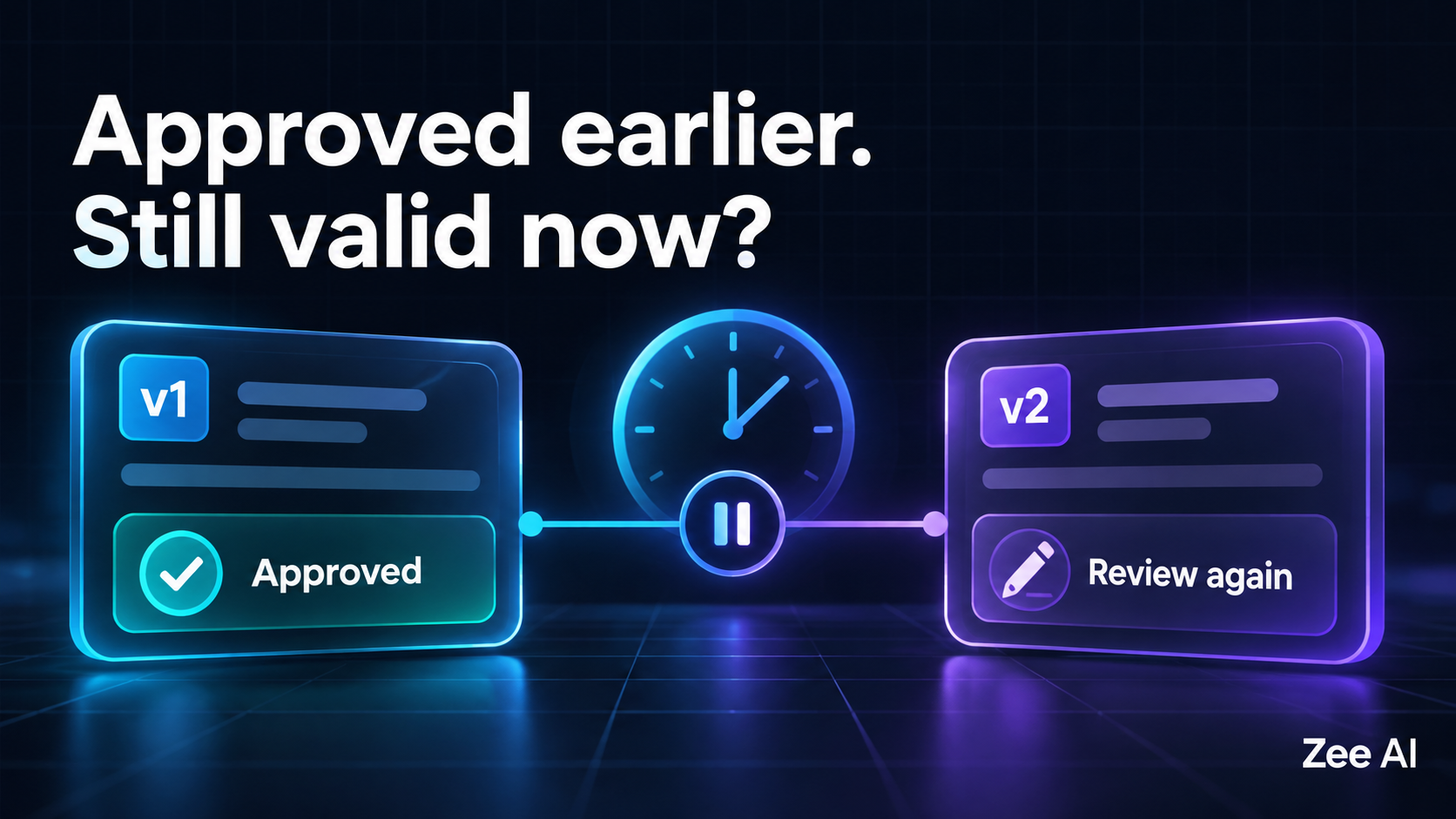
An AI agent prepares a CRM update. A manager reviews it and clicks Approve. Before the workflow executes, someone changes the customer record, edits the proposed update, or removes the manager's permissions.
Should the agent still act?
An AI agent approval should apply to a specific action, within a defined scope and validity period. Before execution, the application should verify that the action still matches what was approved, that its required conditions still hold, and that the relevant permissions remain valid. When those checks fail, the workflow should stop or request a new decision according to its policy.
A stored approved = true value cannot capture all of those conditions.
This guide explains how to design approval expiry, handle changed actions and retries, and test a workflow before launch. The examples are illustrative design scenarios, not measured results from a Zee AI deployment.
Why a paused workflow can resume with an outdated approval
Agent workflows can wait for human input, pause in a queue, retry after a timeout, or recover from a process restart. The surrounding business state can change during that interval.
A workflow engine can preserve where execution stopped without determining whether an earlier business decision is still applicable.
For example, LangGraph's interrupts documentation describes pausing execution and resuming it with external input. It also explains that the interrupted node restarts from its beginning on resume. Approval validity and the handling of repeated side effects therefore need deliberate application design.
The practical question is not simply whether someone once clicked Approve. It is whether the application is about to execute the operation that person actually reviewed under conditions the approval still covers.
A worked example: an approved CRM change becomes stale
Consider a fictional workflow that updates a customer's support tier.
At review time, the proposed action is:
Workspace: Northwind
Customer: C-104
Action: Change support tier
Current tier: Standard
Proposed tier: Priority
Customer record version: 17
Action revision: 3
Execute before: 10:15 UTC
The following timeline illustrates expected behavior for a policy requiring the reviewed record version to remain unchanged:
| Time | Event | Expected handling |
|---|---|---|
| 10:00 | Manager approves action revision 3 | Record the decision against that revision |
| 10:04 | Another operator changes the customer record to version 18 | The approved precondition no longer matches |
| 10:06 | The agent attempts execution | Detect the mismatch and stop the update |
| 10:07 | A refreshed proposal is prepared | Show the changed context for a new decision |
Execution at 10:06 is inside the time limit, but the original approval is still insufficient under this policy. Expiry time and changed context are separate checks.
Conversely, an unchanged action attempted at 10:16 would be outside the approved window. The application should not extend that window merely because a queue was slow.
This is one proposed policy. A different product might approve a bounded operation that tolerates specified changes. Those tolerances must be explicit rather than inferred by the agent after approval.
Define what the human is approving
An approval screen should make the intended effect understandable. “Allow this tool?” is often too vague for an operation that changes customer data or sends an external message.
Show the destination, affected records, important field changes and any relevant limits. Keep the reviewed action immutable; create a new revision when the proposal changes materially.
| Approval detail | Why it matters | Example |
|---|---|---|
| Workspace and target | Prevents approval from being reused elsewhere | Northwind, customer C-104 |
| Operation | Identifies the permitted effect | Update support tier |
| Reviewed payload | Binds consent to the actual changes | Standard to Priority |
| Action revision | Distinguishes edits after review | Revision 3 |
| Preconditions | Defines relevant surrounding state | Customer version 17 |
| Validity window | Limits when execution may begin | Before 10:15 UTC |
| Approver and scope | Records who authorized which operation | Named manager with workspace authority |
| Execution identity | Identifies the service that will act | CRM workflow worker |
A digest of a canonical action representation can help detect changes, but a hash alone does not establish authorization. The application must create, store and validate the approval record through trusted paths. The reviewed display must accurately represent the operation that will execute.
Define which fields are material. A changed recipient or amount usually changes the action. A display-only formatting change may not. Make that distinction in application logic instead of asking a language model to decide whether an old approval is close enough.
Separate approval state from execution state
Treating every outcome as approved or rejected hides useful information. An approval can expire before execution, while a previously authorized request can already be running or have an uncertain outcome.
One possible approval model is:
| Approval state | Meaning | What can happen next |
|---|---|---|
| Pending | Waiting for a decision on a specific revision | Approve, reject, cancel or expire |
| Approved | Decision recorded, subject to execution checks | Claim for execution or invalidate |
| Rejected | Reviewer declined the proposal | Create a revised proposal if appropriate |
| Expired | Validity window has ended | Request a new decision |
| Superseded | A replacement revision invalidated this proposal | Review the replacement |
| Revoked | An explicit policy or authorized action withdrew consent | Stop unstarted execution |
Track the operation separately as not started, claimed, in progress, succeeded, failed or outcome unknown. Choose states that match your implementation rather than copying labels without defining transitions.
Expiry should not rewrite history. If an operation succeeded before its deadline, the audit record should still say it succeeded. Likewise, an operation already accepted by an external system may continue after local approval expires. Define whether the deadline controls dispatch, acceptance or completion, and show that meaning to reviewers.
Recheck approval immediately before the side effect
The backend should enforce the execution decision. Disabling a button in the interface is useful feedback, but it does not protect a worker or API route that accepts stale approval data.
A proposed validation sequence is:
- Load the authoritative action and approval records.
- Confirm that the decision belongs to this workspace, target and action revision.
- Check the expiry deadline using trusted server time.
- Check current permissions according to the product's authorization policy.
- Compare the relevant target state with the approved preconditions.
- Confirm that no replacement, revocation or completed execution blocks the operation.
- Atomically claim the action so competing workers cannot independently start it.
- Execute through a path that supports the required consistency and retry behavior.
Avoid returning success when the operation was merely queued. Distinguish “approval recorded,” “execution started” and “update completed” in both the user interface and the audit trail.
Close the gap between checking and writing
A record can change after validation but before the write. This is a time-of-check/time-of-use problem.
Where the data and action live in one transactional system, a conditional update or appropriate transaction can enforce the expected version at the write. With an external API, use its supported conditional-write or version-checking mechanism where available.
If the destination offers no equivalent, a local check cannot guarantee that the remote state stays unchanged. Document that limitation and choose an appropriate product response, such as narrowing the operation or requiring manual execution for cases that need stronger consistency.
A local lock does not automatically lock a record in another service.
Choose expiry rules around the workflow
There is no universal approval lifetime suitable for every agent.
A rapidly changing operational record may need a short execution window. A scheduled communication may need approval tied to a named publication window and an exact content revision. A low-impact maintenance task might support a broader scope with explicit limits.
| Workflow factor | Question to answer | Possible policy response |
|---|---|---|
| Data changes frequently | Can the approved facts become stale quickly? | Shorter window plus record-version checks |
| Action is scheduled | Which execution window did the reviewer approve? | Bind approval to the scheduled window |
| Payload can be edited | Which changes invalidate the decision? | Supersede approval on material edits |
| Permissions can change | Must approver authority still hold at dispatch? | Recheck current authority under a defined rule |
| Action affects many records | What happens if one target changes? | Define per-item checks and partial execution behavior |
Make expiry visible when the person reviews the action. If a proposal expires, explain why and offer a refreshed review. Avoid silently generating repeated approval requests for the same unresolved condition.
For access boundaries in a multi-customer system, see testing tenant isolation in a Supabase RAG chatbot. Approval and permission checks should agree on the workspace and identity involved.
Handle retries without creating a second action
Approval validity and duplicate prevention solve different problems. An operation can be properly approved and still run twice if two workers process it or a network timeout triggers a blind retry.
Assign a stable identity to the logical operation and record its execution attempts. Where the destination supports idempotency, follow its documented contract and reuse the appropriate key for retries of that same operation.
Stripe's idempotent-request documentation provides a concrete API example of retry handling with idempotency keys. Its behavior is provider-specific; do not assume another service offers equivalent semantics or retention periods.
A materially changed proposal is not simply another retry of the original request. It needs a new action revision and whatever approval that revision requires.
Treat a timeout as an uncertain outcome
Suppose the CRM accepted the update, but the response never reached the worker. The application cannot safely conclude that nothing happened.
Before sending another state-changing request, inspect the provider's operation status or reconcile against reliable evidence. If the outcome cannot be established, route the case for review rather than creating a fresh operation blindly.
Reconciliation is also distinct from initiating a new effect after expiry. An expired approval does not prevent the application from checking whether a previously dispatched operation completed. It does require care before any attempt that might create a new effect.
Keep resumed workflow steps predictable
Framework recovery can rerun code. In LangGraph, the interrupt documentation specifically cautions that code before an interrupt can execute again when a node resumes. Structure external side effects accordingly.
For example, avoid sending a customer notification before an approval pause unless repeated execution is handled deliberately. Keep proposal creation, approval collection and external execution as clearly defined stages, with stable identifiers and recorded outcomes.
Test process restarts and duplicate callbacks. A successful one-time demonstration does not show whether the same workflow behaves correctly during recovery.
An approval-expiry acceptance checklist
Use a controlled environment and synthetic records. The table below describes proposed assertions, not results from a tested implementation.
| Test scenario | Expected behavior | Evidence to capture |
|---|---|---|
| Unchanged action within its window | Eligible operation executes under the policy | Approved revision and execution record |
| Material payload edit after approval | Old decision cannot authorize the changed effect | Revision mismatch and blocked attempt |
| Changed target record | Defined precondition is enforced | Expected and observed record versions |
| Deadline reached before dispatch | Unstarted action does not execute | Server timestamp and expiry decision |
| Duplicate approval click | One decision is recorded consistently | Approval record and callback outcomes |
| Two workers claim the same action | Only the permitted execution attempt proceeds | Atomic claim result and attempt IDs |
| Relevant permission is removed | Execution follows the documented revocation rule | Current authorization result |
| Old approval link is replayed | No unintended new operation is created | Action state and replay response |
| External timeout after acceptance | Outcome is reconciled before a potentially duplicating call | Provider status or review record |
| Worker restarts after approval | Recovery does not bypass validation | Resume trace and final state |
| Approval for workspace A is used in B | Scope mismatch blocks execution | Workspace validation result |
| One item in a batch becomes stale | Documented batch policy is followed | Per-item outcomes and remaining work |
Include successful cases as well as blocked ones. A workflow that refuses every request is not evidence that the intended approval process works.
Record “not tested” for unsupported or unexercised cases. If a destination cannot provide conditional writes or reliable status checks, include that limitation in the acceptance decision.
Design the review screen to explain changes
When a proposal needs reapproval, show what changed. A reviewer should not have to compare two long JSON objects to find a different customer, recipient or field value.
Useful messages include:
- “The customer record changed after your approval. Review the updated proposal.”
- “This approval expired before execution started. No update was dispatched.”
- “The request was dispatched, but its outcome is not yet confirmed. We are checking its status.”
Only display these statements when the application has evidence for them. In particular, an unknown outcome must not be presented as a confirmed failure or a guaranteed cancellation.
Keep an audit trail linking the reviewed proposal, reviewer, decision time, execution checks and external result. Minimize sensitive payloads in logs and restrict who can access approval history.
Questions founders should settle before launch
Decide which actions need human approval, what precisely is being approved, and which changes invalidate that decision. Specify whether a deadline means “start before” or “finish before.”
Ask the implementation team to demonstrate an approved action whose payload changes before execution. Then test a timeout after the external service accepts the operation. Those scenarios reveal whether the product treats approval as a meaningful business boundary or only a UI step.
For broader scope and acceptance planning, see how to scope an AI MVP before you build.
Frequently asked questions
Does every AI agent approval need an expiry time?
A finite validity window is useful for many changing workflows, but the right policy depends on the operation. Long-lived authorization should still have clear scope, revocation and execution conditions. Do not treat indefinite workflow persistence as a decision that business approval should last indefinitely.
Can the agent edit an action after it is approved?
It can prepare a new proposal, but a material change should not inherit approval automatically. If a workflow deliberately authorizes bounded edits, specify those bounds and enforce them outside the model.
Does approval expiry cancel an operation already running?
Not necessarily. An external service may already have accepted it. Cancellation requires its own supported mechanism and confirmed outcome. Define expiry and cancellation as separate behaviors.
Is an idempotency key enough?
No. It addresses repeat execution under a destination's specific contract. It does not establish that the action is authorized, still timely, unchanged or based on valid preconditions.
Can I enforce this in the system prompt?
A prompt can help the agent explain the process and request review. The backend still needs to validate approval, permissions and action state before invoking a state-changing tool.
Build approval into the execution path
A useful approval workflow connects what the person reviewed to what the system ultimately does. That connection must survive edits, delays, retries and restarts.
Zee AI's AI agent development services can help you plan agents around defined actions, human review and application workflows. For an initial discussion, bring one proposed action, its review requirements and the failure cases your team needs to handle.
Technical references
References checked on September 29, 2026. The state models, examples and checklist are proposed application designs, not built-in guarantees of every workflow engine or external API.